Spend more time focusing on what you do best
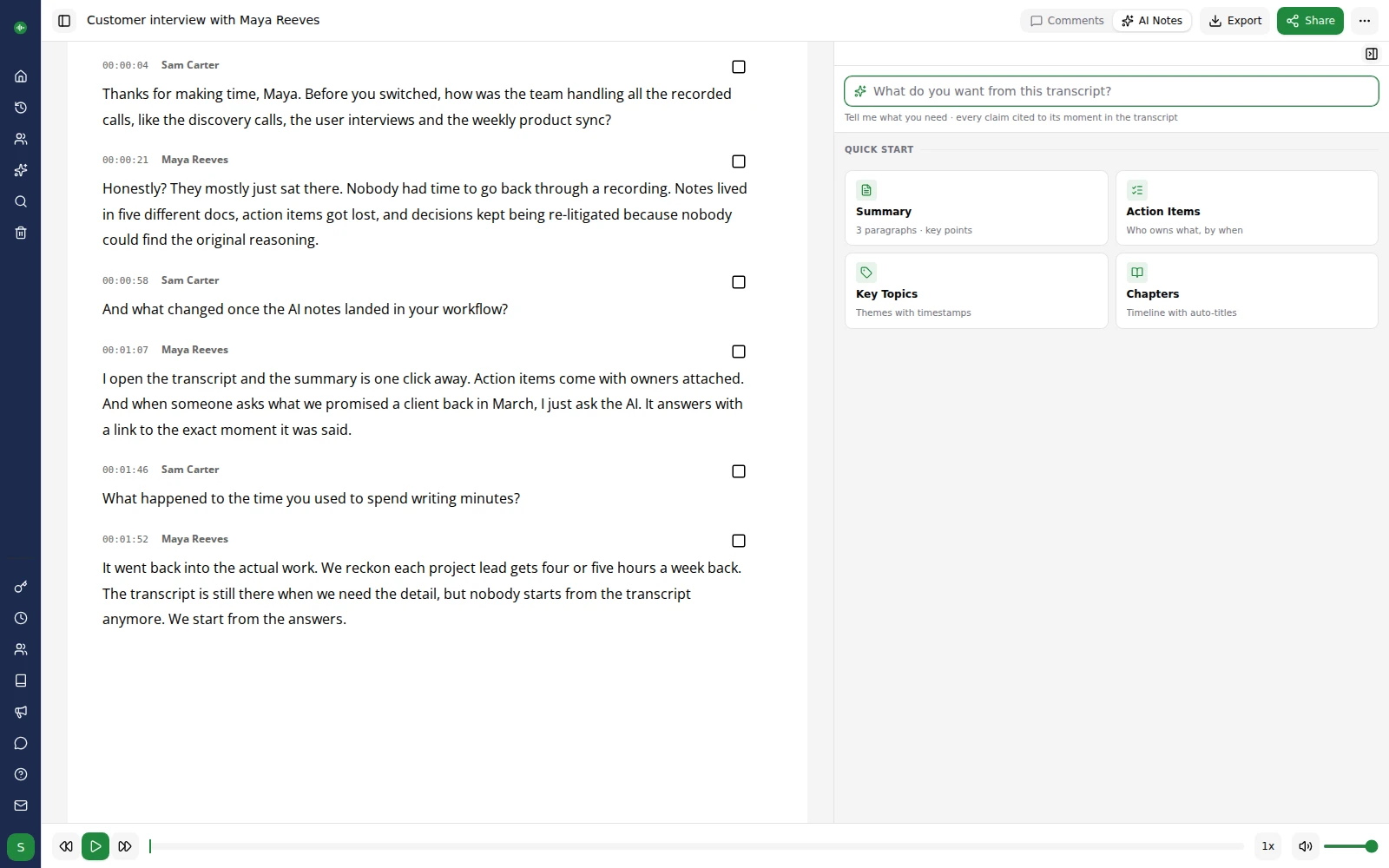
Reach a wider audience with accessible subtitles and transcripts
Improve SEO ranking and outperform your competition
Stop wasting time creating subtitles manually – automate them in minutes
Export your transcription in a range of formats including SRT, VTT and STL
No setup or voice training required
Translate your content to 60+ languages
Working with international teams or audiences? Translate your transcripts and subtitles to over 60 languages with one click, directly from the editor.
Upload
Sign up for a free account. Upload your audio/video files straight onto our web based transcription platform.
Transcribe
We use industry leading artificial intelligence to transcribe your file. We can transcribe an hour long file in less than 10 minutes.
Review and Export
Review and polish your transcripts in the online editor. Export and share your content in a range of formats.
Our customers are our biggest fans.
We don't like to brag, but we don't mind letting our customers do it for us. Here are a few nice things folks have said about our service over the years.
User friendly, efficient and gets the job done! A very useful tool for all those who are not natural note takers!


This has got to be the fastest, easiest and cheapest way to create transcriptions. This makes writing meeting minutes so much easier. A big fan!


We've transcribed six hour-long interviews and go-transcribe works a treat. not 100% by any means, but good enough to save us days of manual transcription.
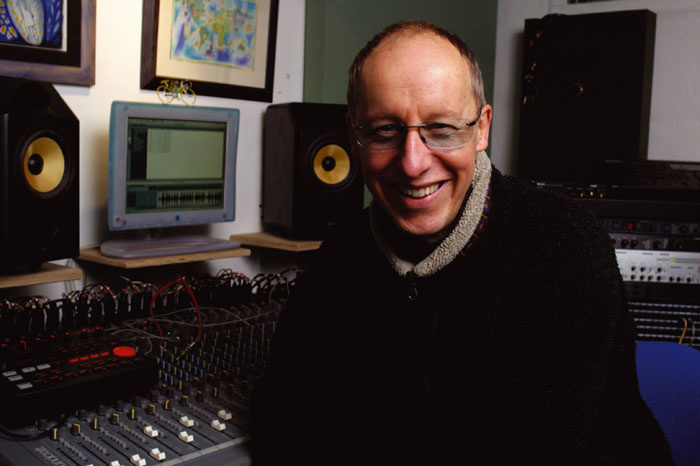

I used Go Transcribe to make the initial transcription and it was much easier. I'll certainly recommend it and use it again.


This service saves me a ton of time, and for the price the accuracy is really good. I sent a message to the support team and they replied really quickly.















































Transcription for the world
Transcribe your content in over 40 languages. Create subtitles and closed captions to reach a wider audience.
Start free trialConvert your audio to text with Go Transcribe
Transcribe 46+ languages. Organise your interview transcripts, search, edit and share them with others. Start your free trial and convert your audio and video into text now. No credit card required.
Start free trialAI for media production
Find the soundbite, write the description, search the rushes, get from raw recording to publish-ready content faster.
Find soundbites and key moments
Action items, chapter markers and pull quotes lifted from rushes and packages the moment transcription finishes, ready for the edit.
Descriptions, chapters and social
Generate YouTube descriptions, podcast chapter timestamps and social-ready snippets from any transcript with one click.
Ask across every recording
Cross-content search across your whole library. Your team finds the moment, not just the file, with citations that jump straight to playback.
Frequently asked questions for media teams
Learn how Go Transcribe helps broadcasters, newsrooms and production teams create subtitles and transcripts faster.
How can media teams use Go Transcribe in their workflow?
Media teams use Go Transcribe to convert interviews, press conferences, podcasts and raw footage into searchable transcripts. These transcripts can then be used for editing scripts, creating online articles or generating subtitles and captions for video content.
Can Go Transcribe create subtitles and captions for video?
Yes. Once your audio or video is transcribed, you can export subtitle files such as SRT, VTT and STL. These can be imported directly into your editing software or publishing platform to add subtitles and closed captions quickly.
How accurate is transcription for noisy press conferences or on-location shoots?
Go Transcribe is built to handle real-world recordings, including interviews and press conferences, and you can polish any transcript in the editor before it goes out. A good microphone placed close to the speakers gives the best results.
How long does it take to transcribe an hour of footage?
In most cases, Go Transcribe can process a 60-minute recording in less than 10 minutes. This means your team can get transcripts and subtitles back fast enough to keep up with tight production and publishing deadlines.
Which file formats does Go Transcribe support for media work?
Go Transcribe supports popular audio and video formats such as MP3, MP4, WAV, MOV and M4A. You can then export transcripts as Word, PDF or plain text, and subtitle formats like SRT, VTT and STL for your editing or broadcast tools.