Spend less time transcribing and more time reporting
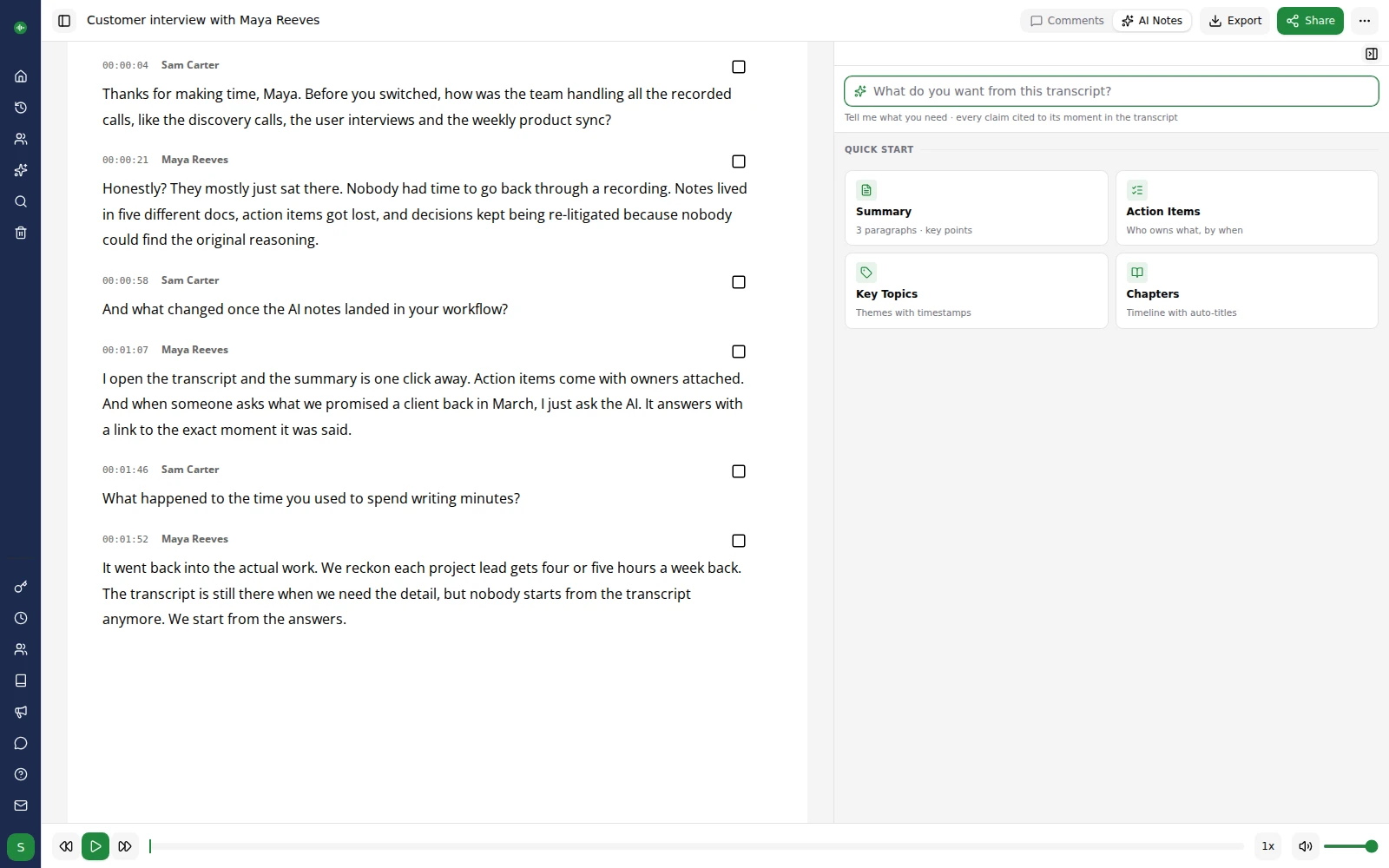
Find noteworthy quotes from your interviews faster
Record interviews, press briefings and phone calls, then search transcripts for the exact quotes you need for your story.
Incredibly fast — transcribe a 60 minute recording in around 10 minutes
Upload your audio or video and let Go Transcribe handle the heavy lifting while you get on with writing.
Super secure — nobody sees your transcription but you
Your files are encrypted and only accessible to you and any collaborators you invite.
Supports multiple speakers
Easily follow conversations with multiple sources, hosts and panel members.
No setup or voice training required
Simply upload your files and start reviewing your transcripts in a browser-based editor.
Translate foreign-language interviews instantly
Interviewing sources in another language? Transcribe in the original language and translate to your own with one click — over 60 languages supported.
Upload
Sign up for a free account. Upload your audio/video files straight onto our web based transcription platform.
Transcribe
We use industry leading artificial intelligence to transcribe your file. We can transcribe an hour long file in less than 10 minutes.
Review and Export
Review and polish your transcripts in the online editor. Export and share your content in a range of formats.
Our customers are our biggest fans.
We don't like to brag, but we don't mind letting our customers do it for us. Here are a few nice things folks have said about our service over the years.
User friendly, efficient and gets the job done! A very useful tool for all those who are not natural note takers!


This has got to be the fastest, easiest and cheapest way to create transcriptions. This makes writing meeting minutes so much easier. A big fan!


We've transcribed six hour-long interviews and go-transcribe works a treat. not 100% by any means, but good enough to save us days of manual transcription.
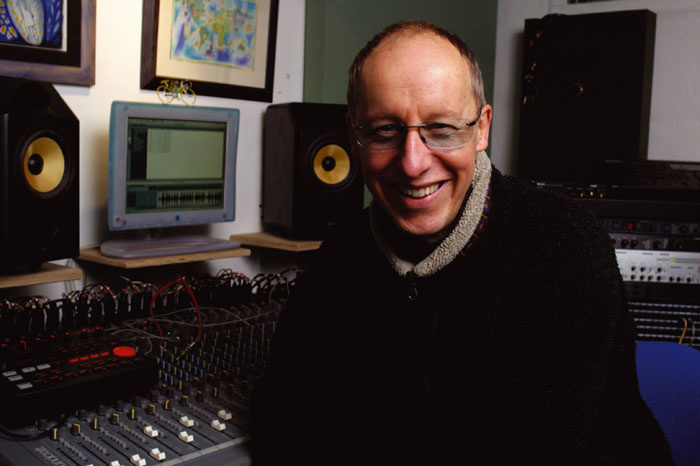

I used Go Transcribe to make the initial transcription and it was much easier. I'll certainly recommend it and use it again.

This service saves me a ton of time, and for the price the accuracy is really good. I sent a message to the support team and they replied really quickly.















































Transcription for the world
Transcribe your content in over 40 languages. Create subtitles and closed captions to reach a wider audience.
Start free trialConvert your audio to text with Go Transcribe
Transcribe 46+ languages. Organise your interview transcripts, search, edit and share them with others. Start your free trial and convert your audio and video into text now. No credit card required.
Start free trialAI for newsrooms
Pull every quote, search every interview and draft the piece, without re-listening to a single tape.
Extract every quote that matters
One click pulls headlines, soundbites and the most-quotable lines out of any interview, the exact words and the moment they were said.
Search every interview at once
Ask "which sources mentioned the merger" across every recording you have. Every answer comes back with a clickable citation that jumps straight to the audio.
Draft headlines, intros and socials
Editorial templates turn raw interviews into headline ideas, ledes, pull quotes and social-ready posts, keeping you in the driver's seat.
Frequently asked questions for journalists
Learn how Go Transcribe helps reporters, editors and producers turn audio into publishable stories faster.
How can journalists use Go Transcribe in their workflow?
Journalists use Go Transcribe to turn interviews, phone calls, podcasts and press conferences into accurate transcripts. This makes it easier to pull quotes, check facts and craft stories without replaying audio again and again.
How long does it take to transcribe an interview?
A 60 minute interview typically transcribes in around 10 minutes. You can start scanning for key quotes and angles while other recordings continue processing in the background.
Can I search transcripts for quotes and specific topics?
Yes. You can search across your transcripts for names, places, dates and phrases. This makes it much easier to find powerful quotes and double-check details before publishing.
Is Go Transcribe secure enough for sensitive sources?
Go Transcribe uses enterprise-grade security to protect your recordings and transcripts. Only you and collaborators you invite can access your files. Go Transcribe is also compliant with the UK GDPR, EU GDPR and CCPA/CPRA. Security page.
Which formats can I export transcripts into?
Transcripts can be exported to Word, PDF and plain text for drafting articles, as well as subtitle formats such as SRT and VTT for video reports and social clips.
Does Go Transcribe work with remote recording tools?
Yes. You can upload recordings from phones, recorders and meeting platforms such as Zoom or Teams. Common formats like MP3, MP4, WAV and M4A are all supported.