Transcribe Spanish audio to text
Go Transcribe can automatically convert Spanish audio and video files to text in an instant. Get started for free!
File options
Spanish transcription, in detail
Accuracy, the accents we cover, and the words worth teaching your custom dictionary.
Estimated accuracy
Known locally as
Script, left to right
Model
Estimated on clear, single-speaker audio. Recording quality, crosstalk and background noise move this figure further than the language itself does.
Accents and varieties covered
Spanish is not one accent. These are the varieties the model is built to handle, so a regional speaker is not a special case.
Castilian Mexican Rioplatense Andean Caribbean English/Spanish code-switching- Speakers
- about 600 million, counting second-language speakers
- Where it's spoken
- Spain, most of Latin America, and large parts of the United States
- Language family
- Indo-European, Romance
- Say hello
- Hola
What the output looks like
Timestamped, speaker-labelled, and editable in your browser the moment it lands.
Empecemos con las cifras del trimestre pasado.
In English: Let's start with last quarter's figures.
Words worth adding to your custom dictionary
Every language has a handful of words any engine has to guess at. In Spanish these are the usual ones. Add them to your custom dictionary once and they come back right in every transcript from then on.
| Commonly guessed | What you meant | Why they collide |
|---|---|---|
| haya | halla | Yeísmo makes these identical across most of the Spanish-speaking world. |
| esta | está | The accent carries the tense. |
| Jose Maria | José María | Accents are stripped from names by upstream systems. |
Getting the best Spanish transcript
Add the regional vocabulary your speakers use to your custom dictionary. Castilian, Mexican, Rioplatense, Andean and Caribbean Spanish each have everyday words the others do not, and the dictionary makes sure they come back spelled the way you publish them.
Use the bilingual English and Spanish mode when speakers move between the two. It keeps both languages in a single transcript rather than forcing a choice.
Common questions about Spanish transcription
Who needs Spanish transcription?
Broadcasters and publishers across Spain and Latin America, market research agencies, legal and immigration practices in the United States, universities, and multinationals running Spanish-language operations.
How accurate is Spanish transcription?
We estimate around 98.1% on clear, single-speaker Spanish audio. Recording quality moves that figure further than the language does, so a close microphone and one person speaking at a time is the biggest lever you have. Names, places and industry terms go into your custom dictionary once and come back right in every transcript after that.
Which Spanish accents and dialects are supported?
These varieties: Castilian, Mexican, Rioplatense, Andean, Caribbean, English/Spanish code-switching. The model is built for all of them, so a recording with several accents in the room is handled the same way as one without.
What is distinctive about Spanish?
Spanish varies more between continents than within them, and a meeting can have Castilian, Mexican and Rioplatense speakers in it at once. The model covers all of them without you picking a region, and there is a bilingual English/Spanish mode for speakers who move between the two.
Will Spanish text export correctly?
Yes. Spanish text (Latin) comes through every export unchanged: Microsoft Word, PDF, plain text, and SRT, VTT and Avid DS subtitles. Text direction and diacritics survive the round trip, so a transcript opens the way it looked in the editor.
How long does Spanish transcription take?
Most transcriptions are ready in less time than the length of the file. A 60-minute recording is typically processed well under an hour, and you get an email as soon as it is ready.
Can I translate a Spanish transcript?
Yes. Pick a target language and click translate: your Spanish transcript is translated into any of 60+ languages as a full, editable document with word-level timestamps preserved, so you can export subtitles from the translation just as you would from the original.
Why transcribe Spanish with Go Transcribe
Sign up with Go Transcribe today and work with one of the most sophisticated transcription software in the market.

Collaboration Tools
If you work with colleagues on the same files, Go Transcribe is built for it. Annotate, highlight and add comments, and share your findings with your team.

Advanced Artificial Intelligence
Advanced AI speech recognition that handles a wide range of accents, dialects and languages.
Trusted by Businesses Globally
Thousands of businesses work with Go Transcribe and rely on us for Spanish transcription.

One-Click Translation
Translate your Spanish transcripts to over 60 languages with a single click. Create multilingual versions of the same recording without leaving the editor.
Ensuring accuracy for automatically transcribing Spanish audio into text
Just like converting any language audio or video file into text, there are a few tips to follow to get the best results:
Ensure that speakers are not talking over each other and that the recording device is close to the person speaking.
Try to reduce background noise
Try to eliminate any static or echo
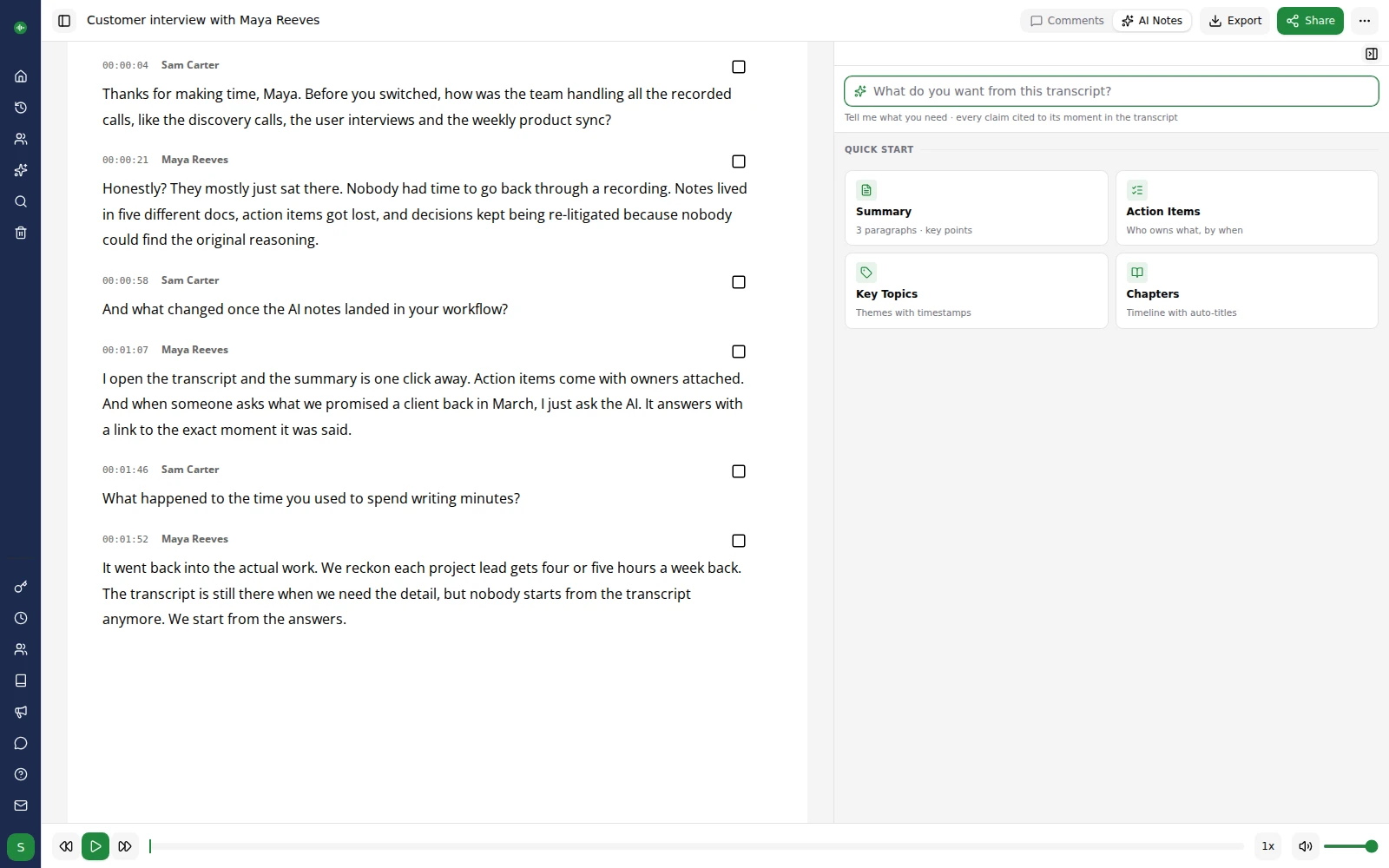
Our customers are our biggest fans.
We don't like to brag, but we don't mind letting our customers do it for us. Here are a few nice things folks have said about our service over the years.
User friendly, efficient and gets the job done! A very useful tool for all those who are not natural note takers!


This has got to be the fastest, easiest and cheapest way to create transcriptions. This makes writing meeting minutes so much easier. A big fan!


We've transcribed six hour-long interviews and go-transcribe works a treat. not 100% by any means, but good enough to save us days of manual transcription.
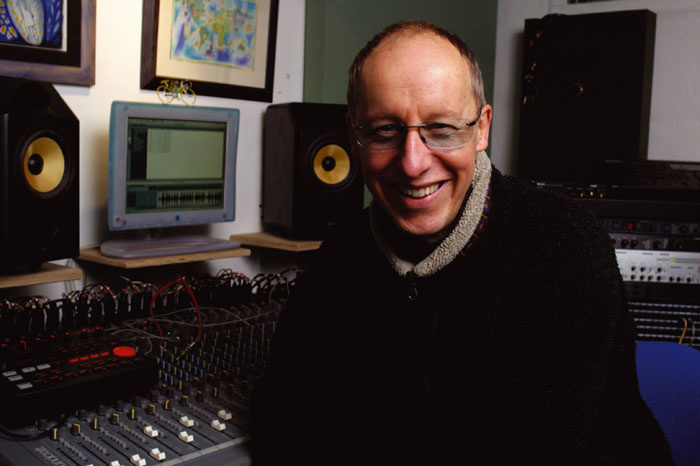

I used Go Transcribe to make the initial transcription and it was much easier. I'll certainly recommend it and use it again.


This service saves me a ton of time, and for the price the accuracy is really good. I sent a message to the support team and they replied really quickly.

Other Supported Languages
Transcribe in over 40 languages, create subtitles and closed captions to reach a wider audience
Convert Spanish to Text